
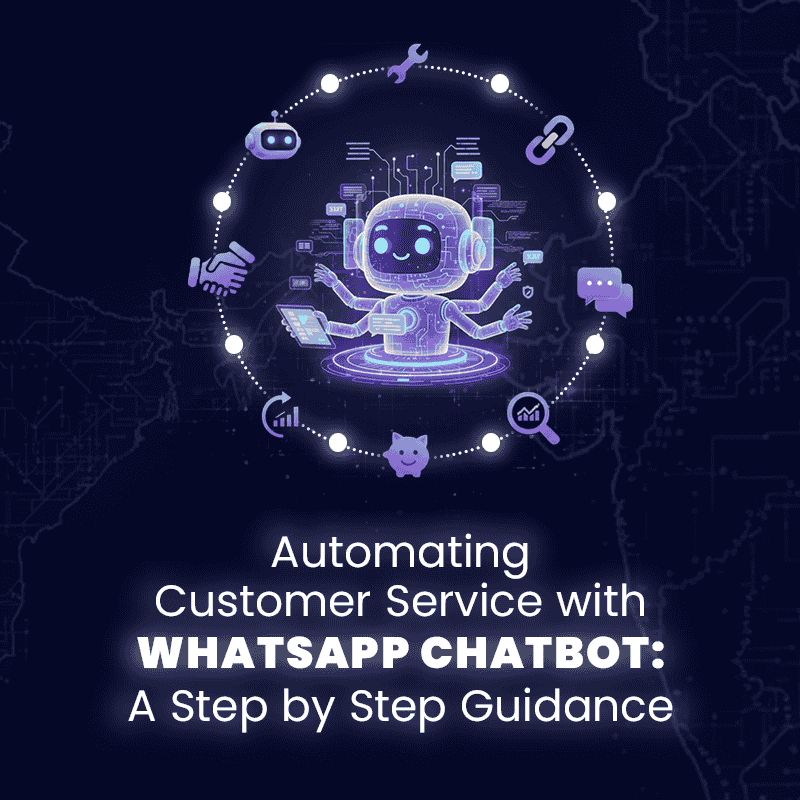
Customer service today needs to be fast, personalized, and available 24/7. That’s why businesses are turning to a WhatsApp chatbot for business. By automating routine queries, chatbots save time, reduce costs, and improve customer satisfaction. Let’s explore how to set it up step by step.
Step 1: Understand the Role of WhatsApp Chatbots
A Business WhatsApp chatbot acts as a virtual assistant. It can answer FAQs, share product details, confirm orders, and even process simple requests—without human intervention. When powered by the WhatsApp Business API, it offers scalability and secure communication, making it ideal for growing enterprises.
Step 2: Set Up the WhatsApp Business API
To build a WhatsApp chatbot for business, you’ll first need access to the WhatsApp Business API. Unlike the free app, the API allows advanced automation, multi-user access, and CRM connectivity. This foundation is essential for businesses that want to handle large volumes of conversations efficiently.
Step 3: Enable WhatsApp API Integration
The next step isWhatsApp API integration with your existing platforms, such as CRM, helpdesk, or e-commerce tools. Integration ensures that chatbot interactions flow smoothly into your sales and support systems, providing agents with full visibility into customer journeys.
Step 4: Design Conversation Flows
Create conversation templates for common customer queries—like shipping updates, payment confirmations, or appointment scheduling. A well-designed WhatsApp chatbot for business should be intuitive and mimic natural conversation to keep customers engaged.
Step 5: Monitor and Optimize
Finally, track the performance of your chatbot. Look at response rates, resolution times, and customer feedback. Continuous improvement ensures your Business WhatsApp chatbot delivers the right balance between automation and human support
Final ThoughtsAutomating service with a WhatsApp chatbot for business isn’t just about efficiency—it’s about delivering a superior customer experience. With the WhatsApp Business API, seamless WhatsApp API integration, and a thoughtfully designed chatbot, businesses can scale communication while maintaining trust and personalization.
Build your Business WhatsApp Chatbot with ThinkNotify and deliver 24/7 customer service effortlessly.